Make Your Drawings Realistic: Master 3D Techniques in Mixed Media & Procreate
Do you want to make your artwork look realistic? Join me in this class and learn 3D realistic art techniques in Mixed Media and digital painting in Procreate to add depth and interest to your art!
In this class, I’ll share my secrets of adding texture, shadow, and contrast to turn a flat drawing or painting into beautiful 3D artwork. We’ll use watercolor techniques and pencils to make realistic drawings and explore the basic rules of creating an illusion on paper. In Procreate, we will use digital techniques, symmetry tool, and custom brushes to add depth and dimension.
I’ve included all the sketches to save time if you want to follow along with my examples.
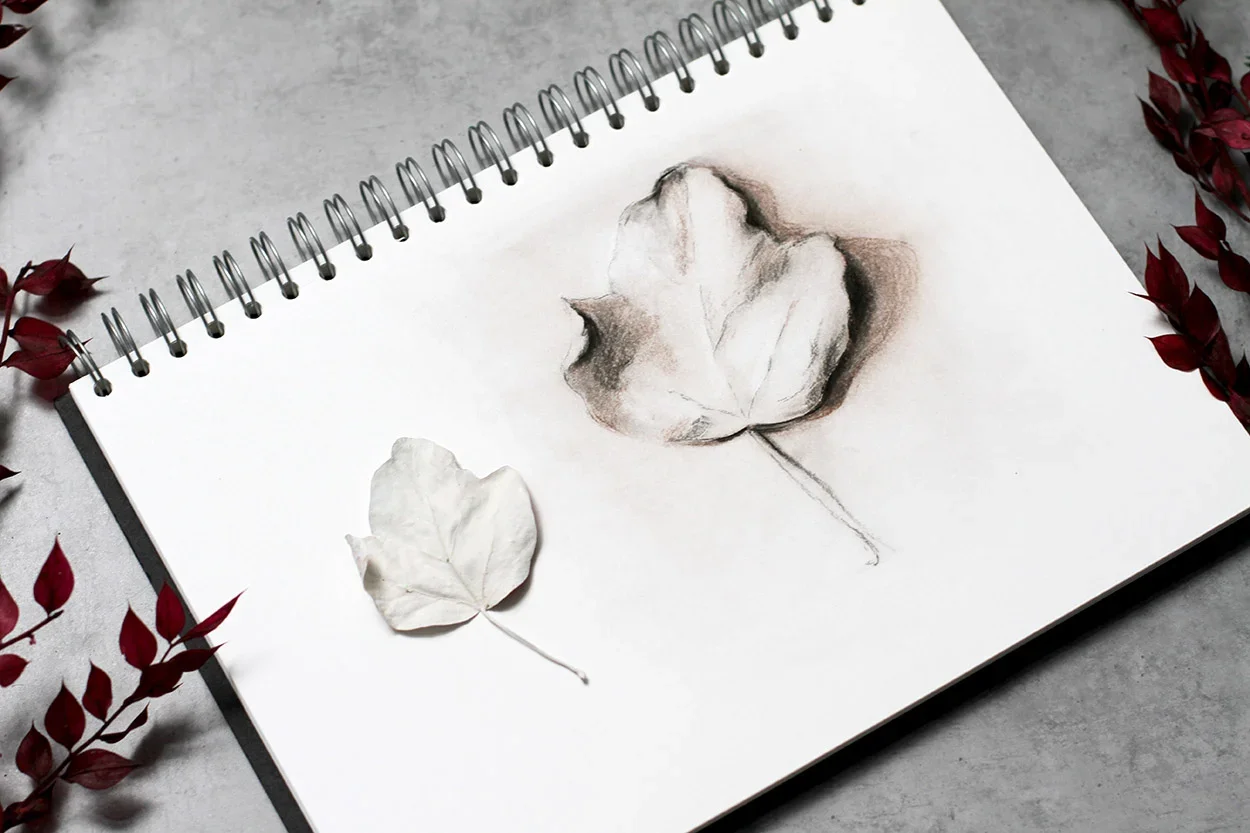
We’ll begin with a Leaf Study and then create:
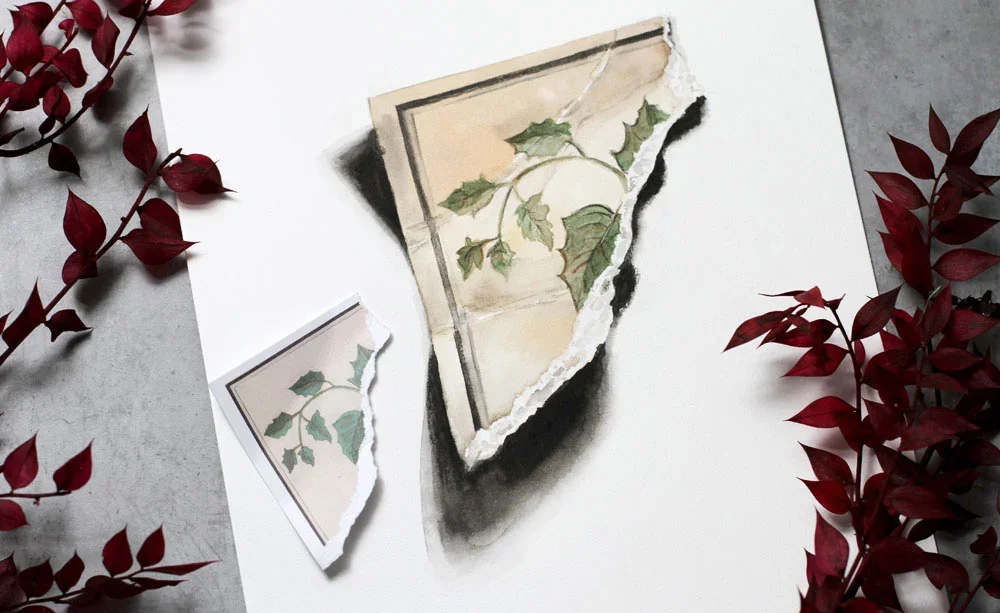
Vintage Postcard
Shiny Ladybug
Decor Apple
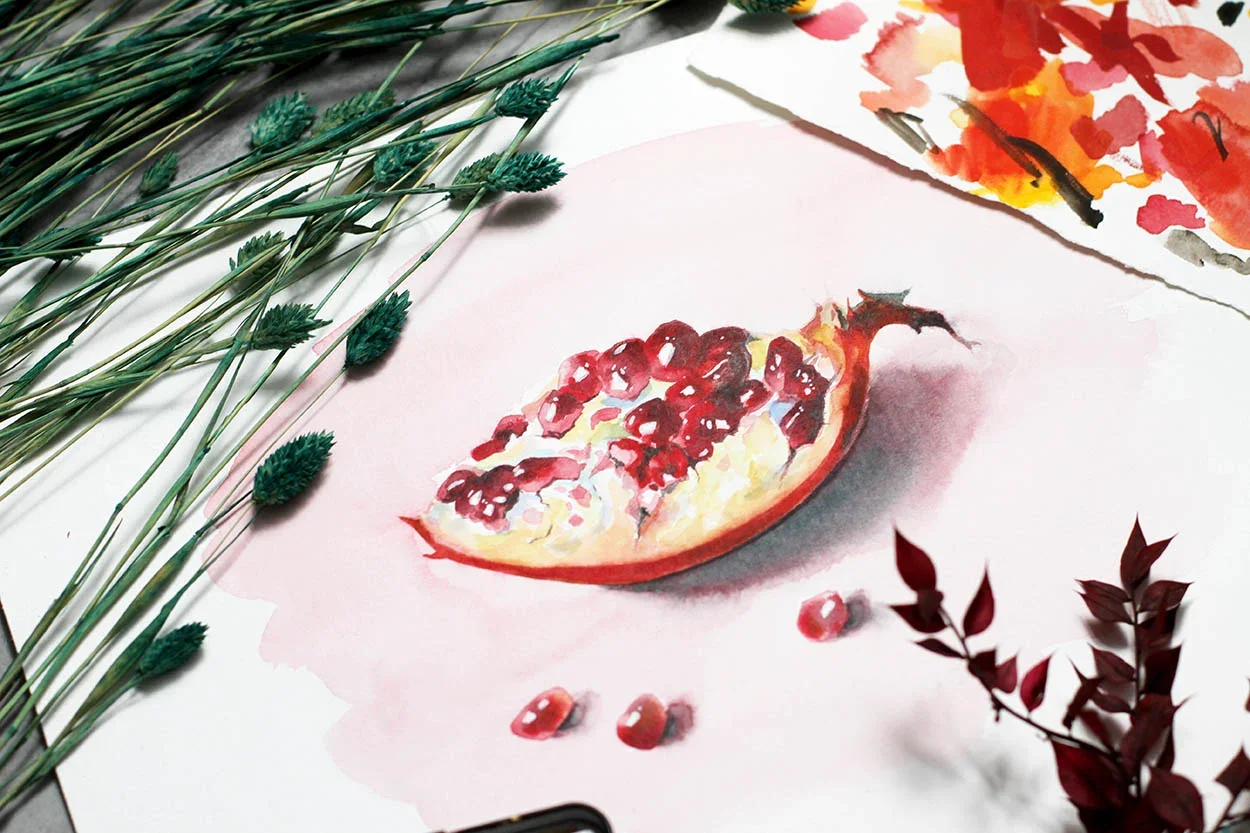
Pomegranate
You will need some:
Pencils
Watercolors
White gouache
...if you work traditionally.
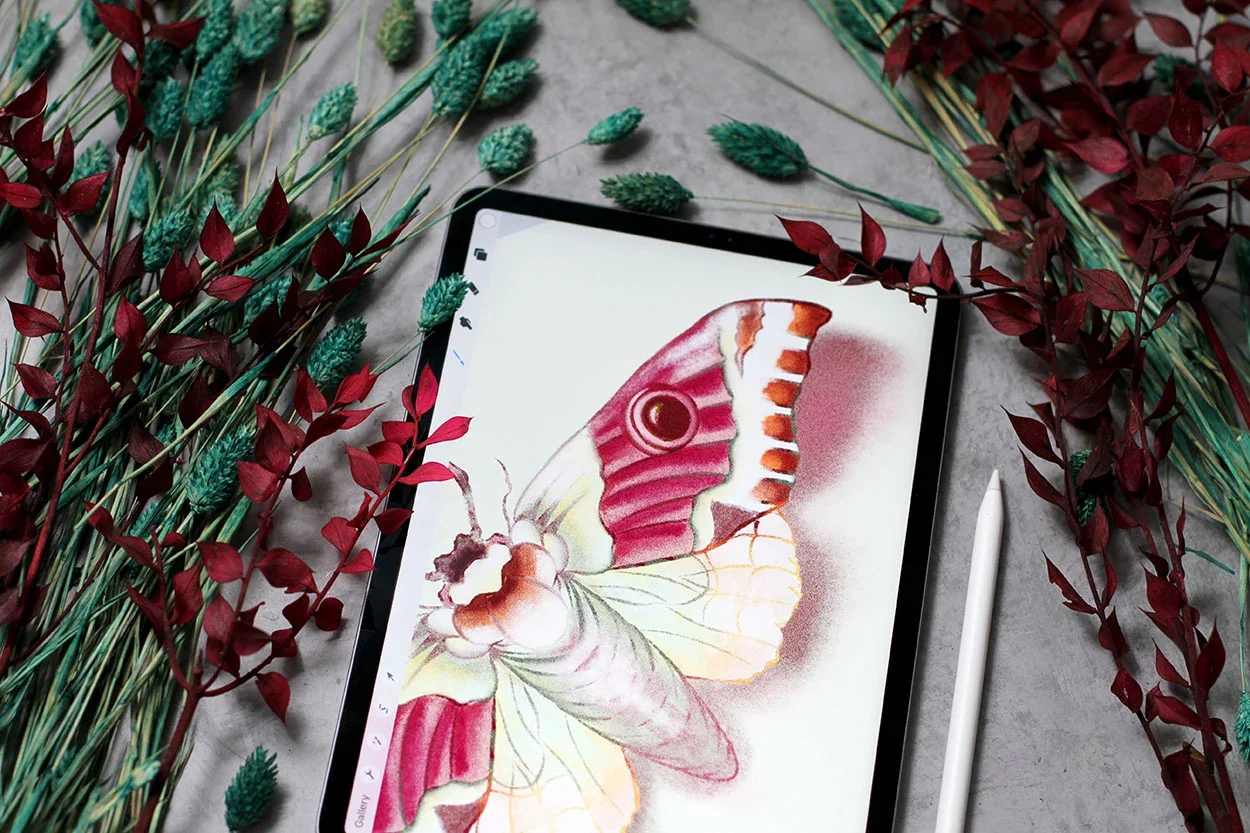
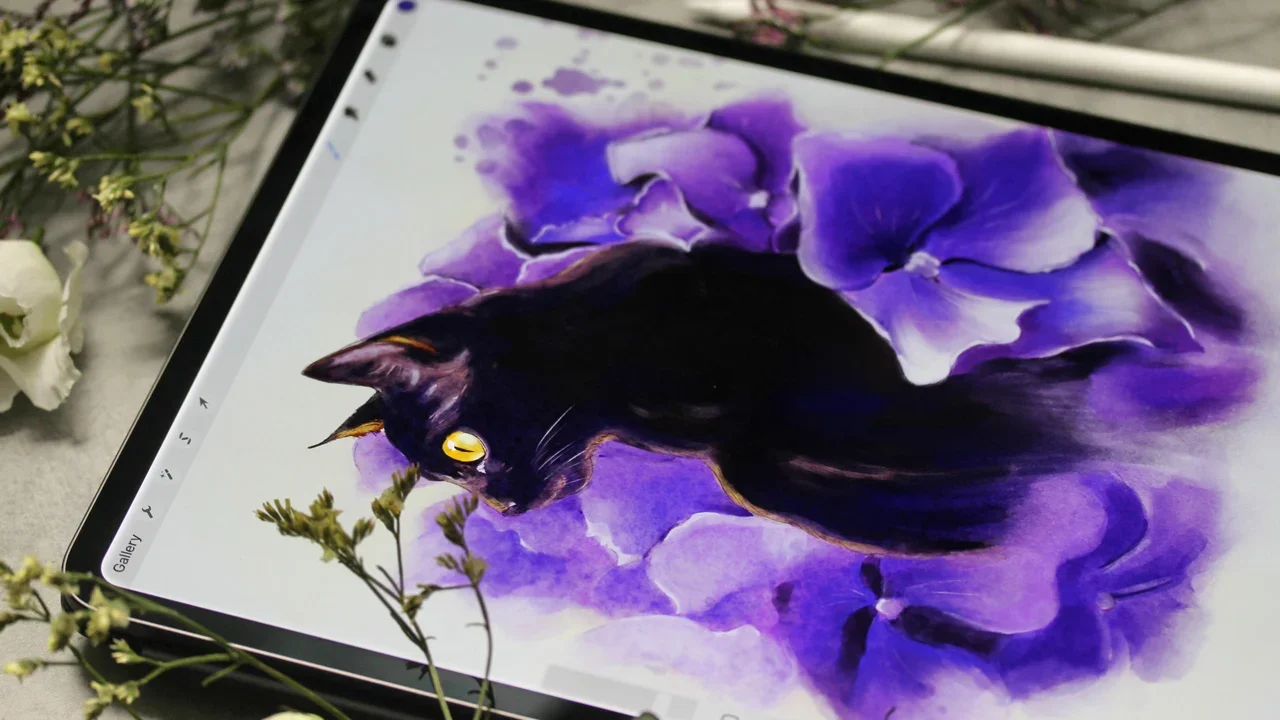
If you prefer digital workflow in the second part of the class, we’ll work on the iPad in the Procreate app and create a Vintage Moth. Of course, you can use any other software!

Class Structure
This 3-hour class is divided into 8 Chapters and includes 25 bite-sized videos.
All the materials guide you step by step through creating realistic artwork in mixed media and Procreate:
Inspiration. We’ll begin with ideas, inspiration and I'll share some of my favorite materials (of course you can use anything you have!)
Understanding Depth, Lights & Pencil Techniques. We’ll discover materials and various pencils that help make an illustration look 3Dimentional. Together we'll explore techniques and exercises to practice the illusion of depth.
Traditional Demo: Realistic Postcard. Step by step, we’ll create a Vintage Postcard using mixed-media textures to add depth and visual interest.
Traditional Demo: Apple on Toned Paper. We’ll create a Decor Apple illustration using toned paper, pencils and layering techniques for a 3D look.
Traditional Demo: Ladybug. We'll use watercolor, layering and pencil techniques to create vibrant 3Dimensional natural history inspired illustration.
Traditional Demo: Pomegranate. We'll learn how to paint a rich texture using just a few layers.
Digital Painting Demo in Procreate: Vintage Moth. In the final chapter we'll learn digital painting techniques to add depth and interest to your artwork. We'll talk about basic principles, Procreate Settings and Tools that I use. Together we'll create a beautiful vintage inspired Moth Illustration.
Final Thoughts & Your Assignment. I'll share some ideas to continue your art practice in both traditional and digital mediums.
Included Downloads
Line art outlines for traditional art
Custom Procreate brushes
Outlines and swatches for Digital art
List of Materials
Ideal for
This class is for you if you’re an illustrator, artist, or designer and want to add realism to your artwork.
This class is for all levels. If you’re a beginner, you’ll learn exciting tricks to add to your creative practice. If you’re professional, you’ll find some fresh tips to add to your creative arsenal.
Lifetime access
Download everything and learn at your own pace!
What Students Are Saying
✯✯✯✯✯
“I absolutely loved Anna's class, especially the drawing segment—it was both inspiring and beautifully presented.
I followed along and sketched a leaf I recently found in the park, and the process felt so rewarding. Anna's layering technique was a highlight for me; I can’t wait to incorporate it into my own watercolour illustrations. Watching the layers transform into three-dimensional forms felt like magic!
This class, like Anna’s others, provided such a relaxing and enjoyable experience. I also appreciated the lesson where Anna shared the inspiration behind her work.
I’m already looking forward to her next class!”— J. Zygiert-Kan✯✯✯✯✯
“What a fascinating, instructive, illustrative, and enlightening class!!!
Anna mentions how busy we are in our lives and encourages us to submit a project to support the creative community—I wholeheartedly agree!
Anna has provided almost 3 hours of instruction in this class (and countless hours behind the scenes). Every one of Anna's classes is an artistic masterpiece with embedded gems of instruction within each lesson.
I’ve already watched the full class twice and am making notes for the digital lessons. Anna’s digital process (whether you're using Photoshop, Procreate, or any other program) is always the same: slow down, refine your sketch, build with layers, don’t rush, and enjoy the process.
Anna is also incredibly generous in the Resources Section—sharing her sketches, Procreate brushes (which are amazing!), and her colour palettes. I use them often.
If you want to slow down your day and enjoy watching an internationally acclaimed artist walk you through every step of her process, jump right into this class.
The subtle simplicity of Anna's teaching style is a special gift that she shares with her students in every class.”— S. Rego✯✯✯✯✯
“This was a really fun and interesting class!
I learned many new ways to work with mixed media, and the examples provided are unique and beautiful. Super fun to follow along with the tutorials!” — Sydney✯✯✯✯✯
“What a great class… as always!
Never ever been disappointed… great teacher!”— Benthaicreations
Frequently Asked Questions
Do I need Procreate to take this class?
Not necessarily. Procreate is demonstrated as one of the tools, but the class focuses on principles that apply equally to traditional and digital media. You can use any software or traditional tools. The digital illustration is painted in the second part of the class only.
Is this class suitable for beginners?
Yes. The class is accessible to beginners, while also offering depth and inspiration for experienced illustrators. If you’re a beginner, you’ll get an overview of what is possible, and if you’re an experienced artist, you’ll gain inspiration for your own creative practice.
Is the class more traditional or digital?
Both. I believe we should embrace the challenges of traditional art to grow as artists, and expand our creativity with modern tools. These two approaches can fuel each other. You’ll see inspiration from traditional techniques alongside digital approaches.
Is this a step-by-step tutorial?
All my classes include step-by-step demonstrations. However, they are not about copying a single image, but about learning how to think creatively and develop your own visual language. My hope is that you’ll gain valuable insight to bring into your own unique creative practice.